

Where this code goes, and what it assumes
Where this code goes, and what it assumes
Examples on this page are fragments. They render inside the provider you mounted
in the Quickstart:If something below does not work, one of these is usually missing. Each links
straight to the step that sets it up.
- Component registered —
app.use(creem)inconvex/convex.config.ts - Secrets set —
CREEM_API_KEYandCREEM_WEBHOOK_SECRETin Convex env - Billing API exported —
convex/billing.tscallingcreem.api({ resolve }) - Webhook registered —
creem.registerRoutes(http)inconvex/http.ts - Products created — one Creem product per plan and billing cycle
- Products synced —
npx convex run billing:syncBillingProducts - Styles imported —
@creem_io/convex/stylesafter the Tailwind import - Catalog defined —
billingCatalogmapping plan IDs to product IDs - Provider mounted —
<CreemConvexProvider>around your billing UI
Standard plans
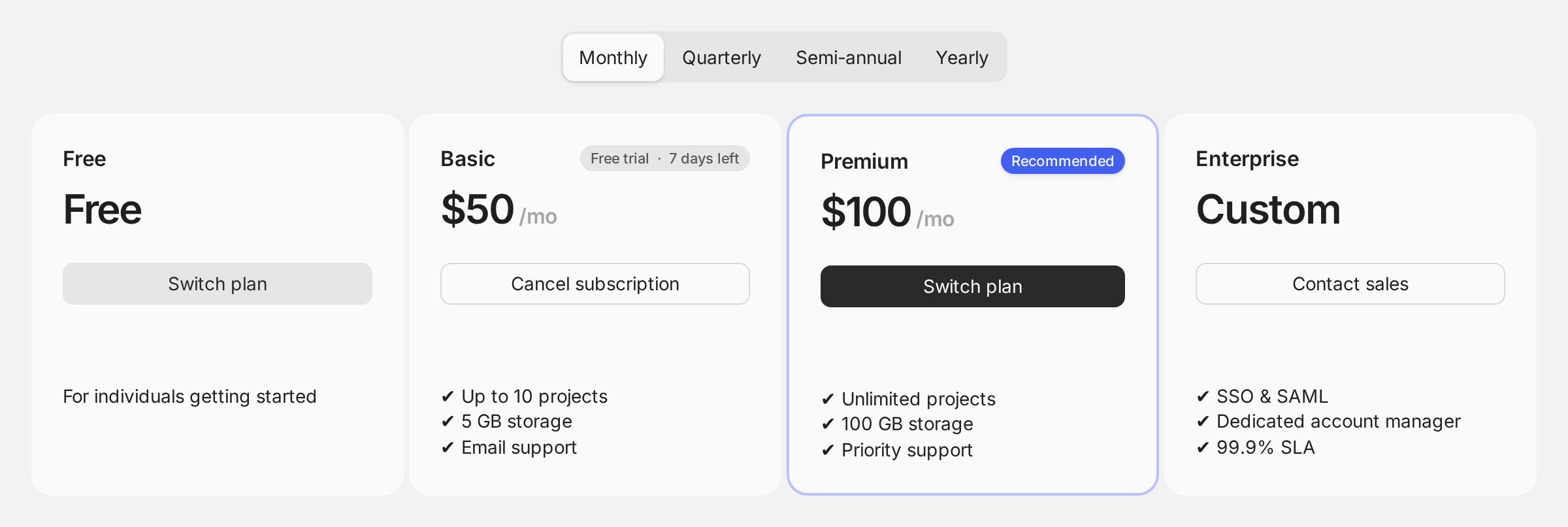
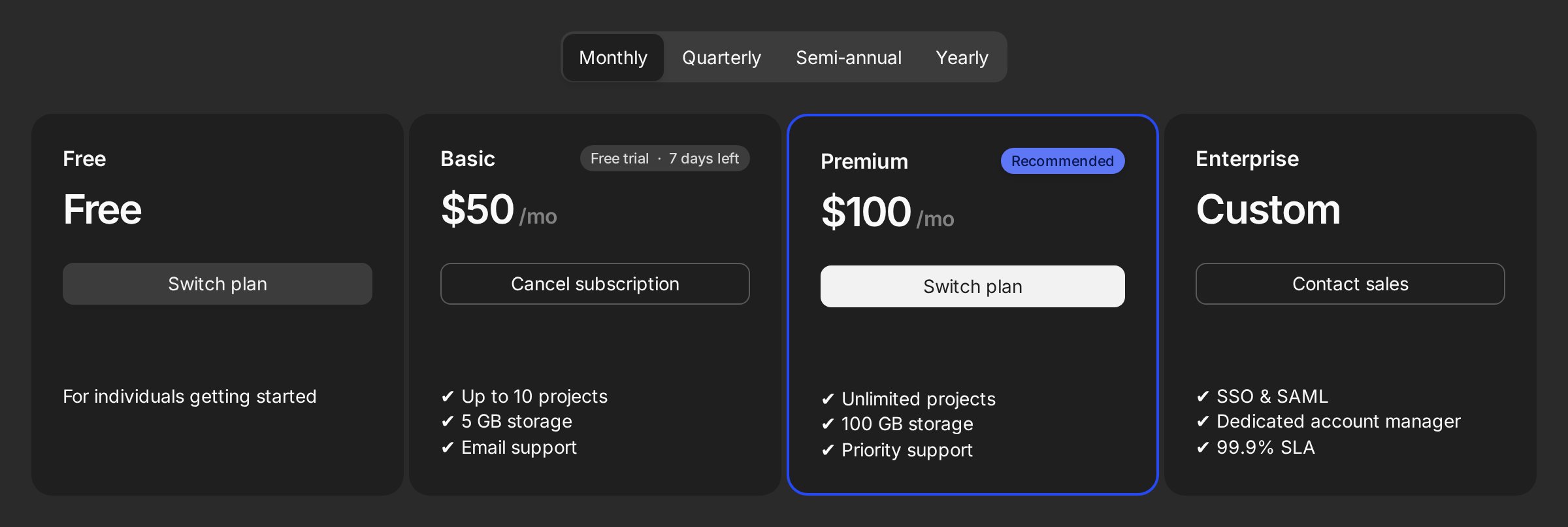
Render catalog plans by ID. Titles, descriptions (Markdown), and prices resolve from synced Creem product data:Pricing page
- Pricing cards, with a billing-cycle toggle that stays hidden when all plans share one cycle
- A “Current plan” badge on the active plan
- Plan switching, behind a confirmation dialog
- A trial countdown badge
- Cancel and resume, also behind confirmation
- A scheduled-cancellation banner with an undo button
Pricing page
Billing cycles
creemProductIds maps cycles to Creem products. Supported cycles: every-month, every-three-months, every-six-months, every-year. The interval selector appears automatically when plans expose more than one cycle:


Pricing page
Trials
The component supports two trial paths:-
Creem-managed trials are configured on paid Creem products. In the catalog they stay
category: "paid"recurring plans; Creem owns checkout, card collection, and thesubscription.trialingstate. Declare the length withtrialDays. The card then reads “Start free trial” instead of “Subscribe”, with the length as microcopy beneath it:src/billingCatalog.tstrialDaysis display only. Creem still runs the trial, and once the subscription exists the card switches to a live countdown fromtrialEndand stops reading the field.Creem’s product API doesn’t carry trial length yet, so the catalog is where the card learns it. One effect worth knowing: the length lives in two places, so update the catalog whenever you change the trial on the product. Prefer it to come from Creem instead? Two requests would get it there: trial information and duration in/v1/products, so the component syncs it alongside price and title, or Creem as Code, so the product and its trial are defined together in your repo. -
App-owned no-card trials use
category: "trial"withbillingType: "custom". No Creem subscription is created. The component records activation history and the current app-plan assignment, which is what lets the billing UI show, activate, and hide the offer.
src/billingCatalog.ts
plans.activate in your connected API with an app mutation that calls:
convex/billing.ts
onBeforePlanActivation (provider- or widget-level) for sign-in or consent gates before activation.
Unit-based pricing
Two workflows for quantity-based plans (seats are one kind of unit): User-selectable units. The customer picks a quantity before checkout:Pricing page
Pricing page
subscriptions.update is in the connected API, active unit-based plans show a “Change units” control.
Plan groups
Split plans by audience (e.g. Individual vs Teams). The root renders a group selector and derives billing cycles from the active group only:Pricing page
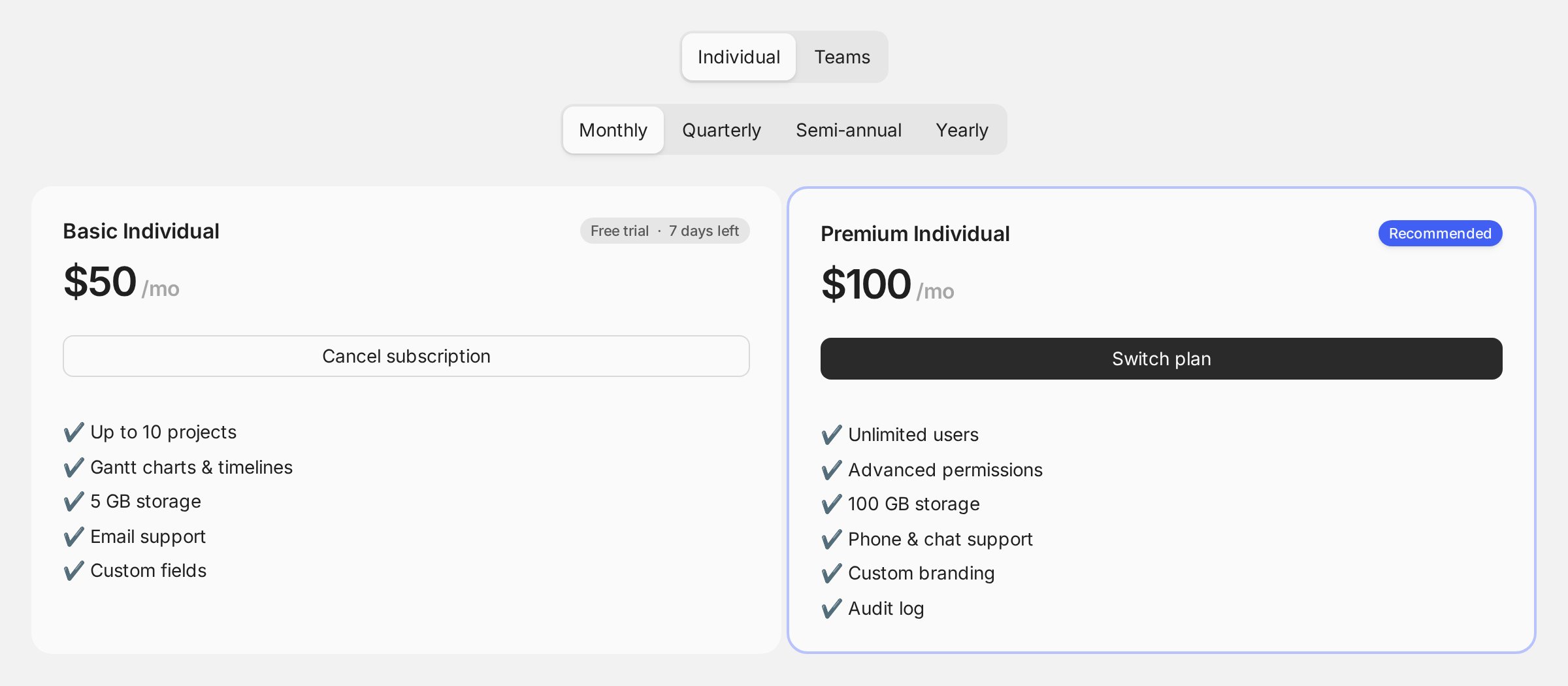
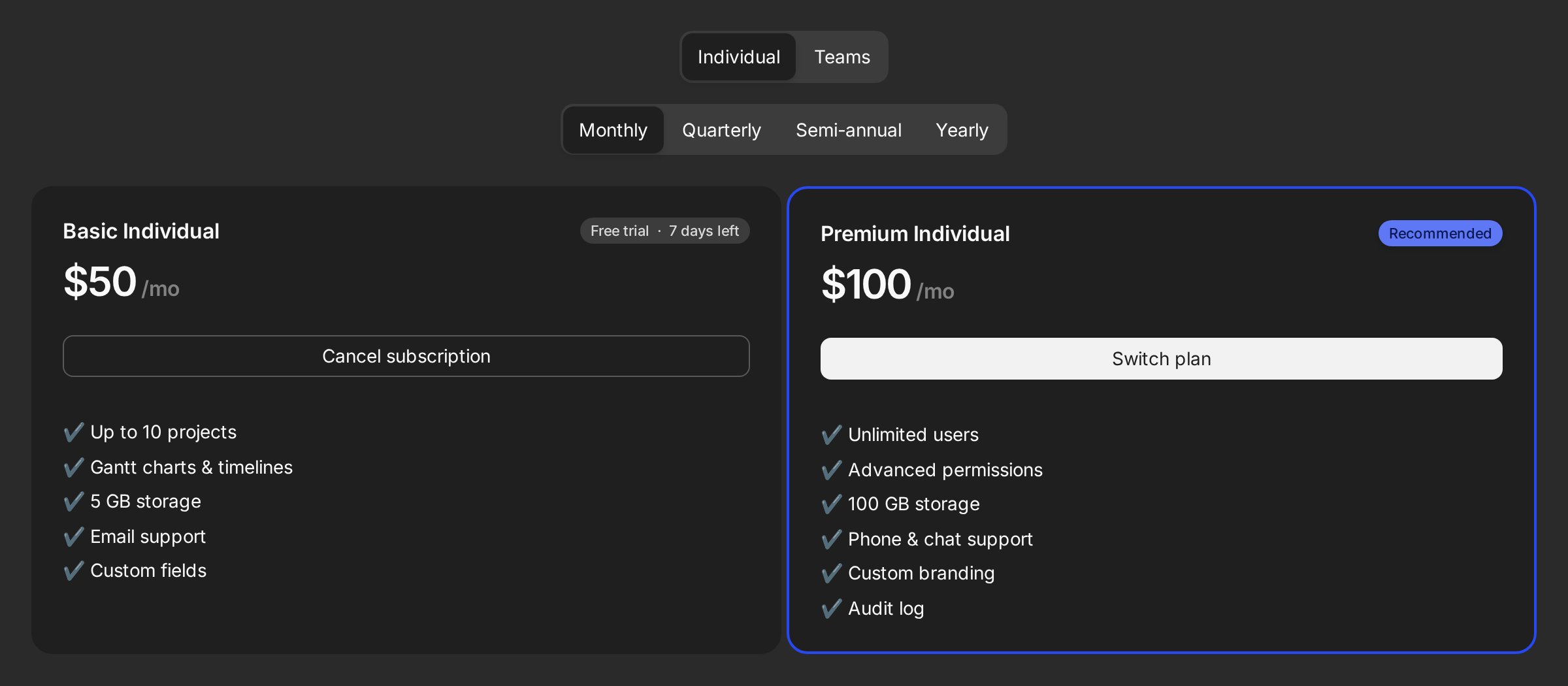
groupSelector="auto" | "hidden" | "external" (use <Subscription.GroupSelector> for external composition), and group/onGroupChange for controlled state.
Scheduled changes: upgrades, downgrades, and paid-to-app-owned
updateBehavior controls paid-to-paid switches and unit changes:
"proration-charge-immediately"prorates and charges now. This is the default."proration-charge"prorates and puts the difference on the next invoice."proration-none"skips proration; the change applies next billing cycle."period-end"keeps the current subscription untilcurrentPeriodEnd, then applies the change from a scheduled Convex job.
Pricing page
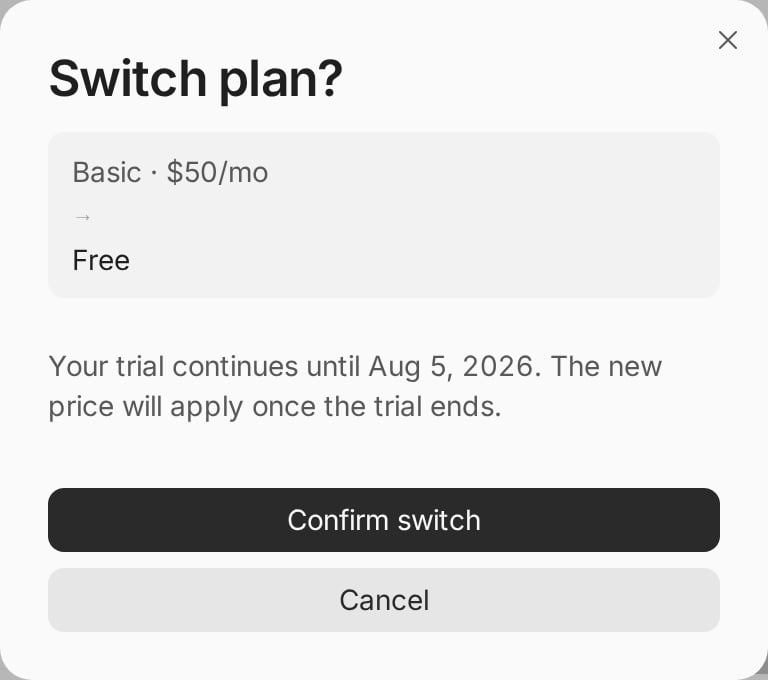
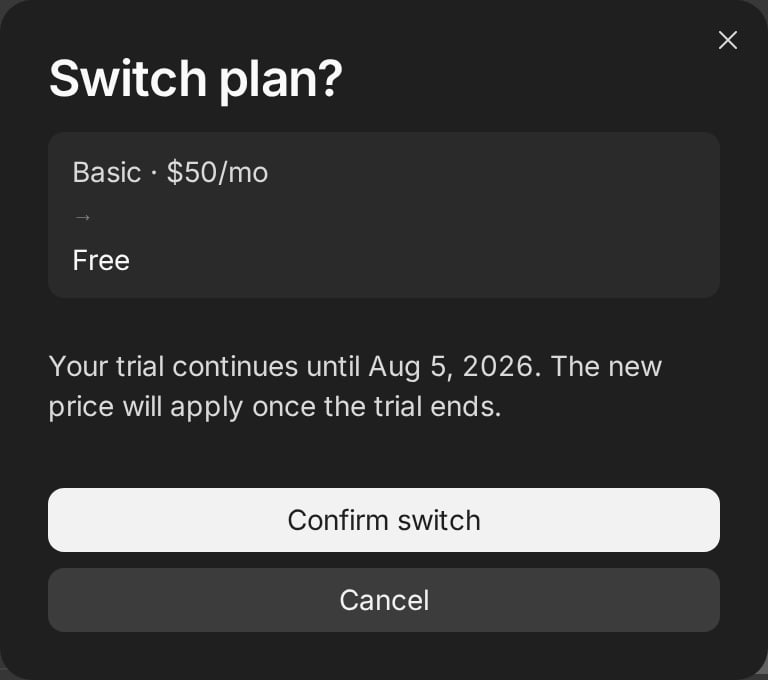
appPlanUpdateBehavior:
"period-end"schedules Creem cancellation for the period boundary, then activates the app-owned target plan at that time. This is the default."immediate"cancels straight away and assigns the app-owned target plan now.
subscriptions.cancelScheduledUpdate in your connected API to give users an “Undo” for pending period-end changes; if the pending change was paid-to-app-owned, undoing also resumes the Creem scheduled cancellation.
Handled in Convex today. Free plans and period-end changes are tracked by this component, so
both work without extra wiring. One effect worth knowing: the Creem portal only knows the current
subscription, so surface pending changes yourself with
ScheduledChangeBanner. Prefer this
handled by Creem directly? Vote for free subscription
tiers and scheduled subscription
updates.Custom card composition
When your design needs its own markup, keep the root and compose the pieces withunstyled. The root still owns checkout, switching, cancel, units, and active state:
- React
- Svelte
src/PricingPage.tsx
class/className utilities override them without tailwind-merge. <Subscription.Grid> reads the root’s columns prop, so a composed layout and the default cards resolve their column count the same way.
Typed bindings
For production apps,createCreemReact and createCreemSvelte bundle catalog, API, and defaults into one typed object. Plan IDs then autocomplete and stay checked:
src/billingCatalog.ts
What to keep in mind
subscriptions.update,cancel,resume, andcancelScheduledUpdatein the connected API each unlock their controls; omit what you don’t want users doing.- UI permissions are cosmetic. Server functions must still check real access. See Advanced → Custom auth and RBAC.
- The full prop reference for
Subscription.Root,Subscription.Item, and every slot component lives in the Reference.