

Where this code goes, and what it assumes
Where this code goes, and what it assumes
Examples on this page are fragments. They render inside the provider you mounted
in the Quickstart:If something below does not work, one of these is usually missing. Each links
straight to the step that sets it up.
- Component registered —
app.use(creem)inconvex/convex.config.ts - Secrets set —
CREEM_API_KEYandCREEM_WEBHOOK_SECRETin Convex env - Billing API exported —
convex/billing.tscallingcreem.api({ resolve }) - Webhook registered —
creem.registerRoutes(http)inconvex/http.ts - Products created — one Creem product per plan and billing cycle
- Products synced —
npx convex run billing:syncBillingProducts - Styles imported —
@creem_io/convex/stylesafter the Tailwind import - Catalog defined —
billingCatalogmapping plan IDs to product IDs - Provider mounted —
<CreemConvexProvider>around your billing UI
Gating UI with BillingGate
BillingGate conditionally renders based on which billing actions are available in the snapshot (checkout, portal, cancel, reactivate):
- React
- Svelte
Account page
Usage limits
Catalog plans can carrylimits (arbitrary numeric keys like projects or aiMessages). evaluateUsageLimits compares your app’s usage counters against the active plan’s limits:
UI permissions
BillingPermissions controls which widget buttons are enabled. Use it for role-based UI, such as letting only org admins manage billing. Set it once at the provider:
Account page
Account widgets
Billing portal
Opens the Creem customer portal, which is where payment methods, billing details, and invoice documents live. It hides itself when the entity has no Creem customer record yet, since customers are created on first checkout:Account page
customers.portalUrl in the connected API.
Billing email
The Creem customer portal does not let a customer change the email address invoices and receipts go to.<BillingEmail> does: it shows the address Creem
currently uses, and saves a new one through Creem’s customer API.
Account page
canManageBillingEmail is false. It reloads when
the billing entity changes. Each request also carries the entity the form
shows, and the generated actions refuse it when your resolver now returns a
different one, so switching organizations in another tab never saves one
organization’s address into another. A failed load offers a retry button.
Requires customers.billingEmail and customers.updateBillingEmail in the
connected API. Export customersBillingEmail and customersUpdateBillingEmail
from convex/billing.ts and connectCreemApi wires them:
convex/billing.ts
resolve accepts change the
entity’s billing email. If only billing admins may do that, write your own
action with customersUpdateBillingEmailArgs, keep the expectedEntityId
check, and check the role before calling
creem.customers.updateBillingEmail, as in
Advanced → Custom auth and RBAC.
Creem rejects an address that another customer of your store already uses. The
widget then shows its generic save error. When the same person checked out for
several of your billing entities, those entities share one Creem customer; the
widget then refuses the change and says the address is shared, because it is
also the other entities’ billing address.
<BillingEmail /> is the ready-made layout. For your own markup, compose the
parts inside <BillingEmail.Root>; the root keeps the state and wires the
label, description, and error to the input:
Account page
<BillingEmail.Root>, <BillingEmail.Input />,
and so on. See the reference for
every part.
Billing history
Paginated transaction history, backed by Creem’s transaction search. This renders transaction rows, not invoice documents:Account page
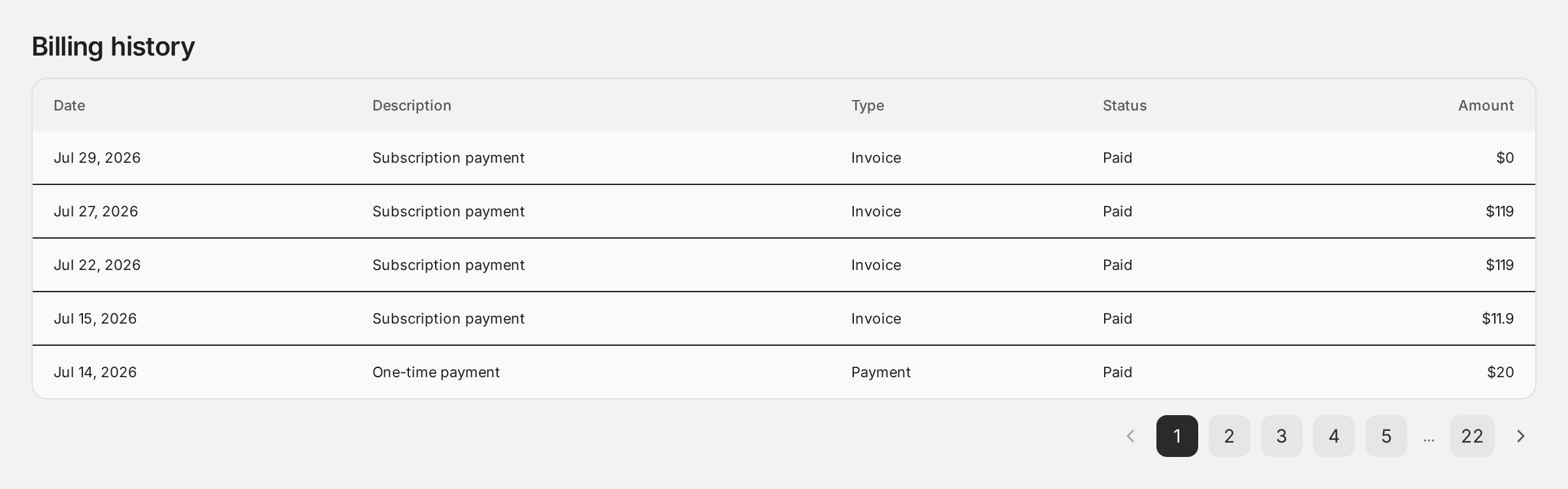
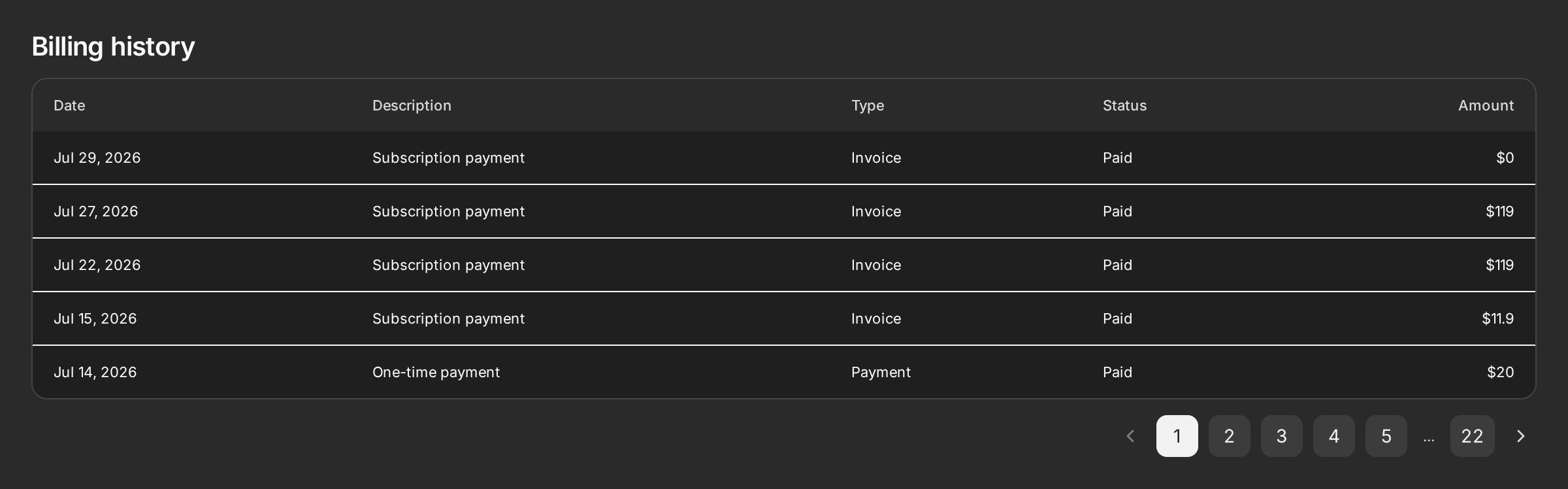
transactions.search in the connected API. Export transactionsSearch from convex/billing.ts and connectCreemApi wires it automatically.
Portal-only today. Payment methods, billing details, and invoice documents are handled by
Creem’s hosted portal, which
<BillingPortal> opens for the customer. Prefer them embedded in
your own UI as Widgets? Vote for payment method, billing preference, and invoice
APIs.Payment recovery
When a subscription is past due or a payment failed, surface it and route the user to the portal to fix their payment method:Account page
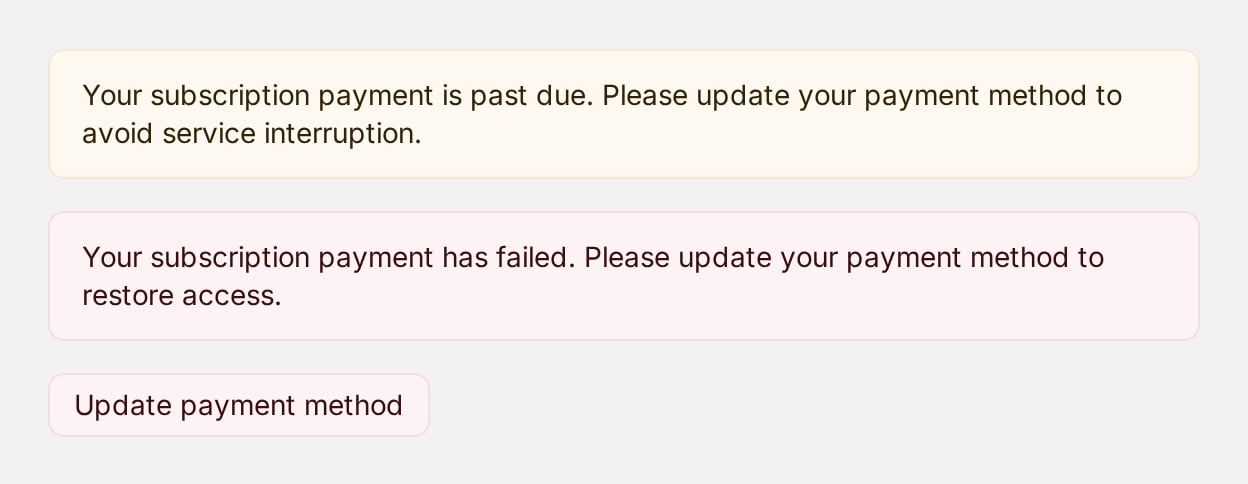
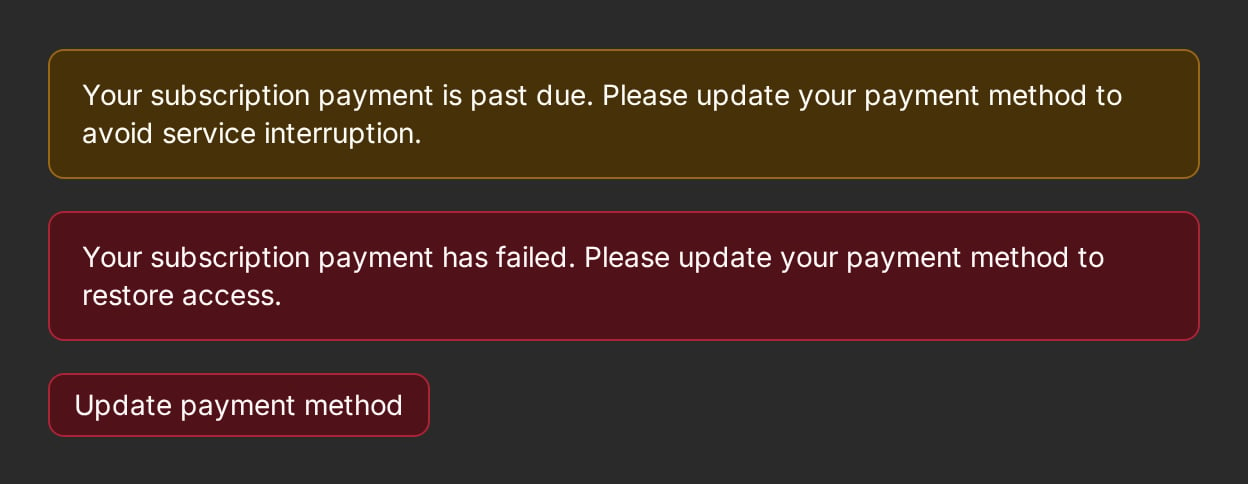
snapshot.paymentRecoveryState (or accepts an explicit state). The button reads customers.portalUrl from the provider like every other connected widget, and renders nothing when no portal action is wired.
Checkout success
Show a confirmation banner when the user returns from checkout. Creem’s query parameters are parsed for you:Account page
useCheckoutSuccessParams() hook returning the parsed params.
Status banners
Presentational components for specific states, fed from the snapshot:Server-side entitlement checks
The same snapshot powers backend enforcement:convex/projects.ts
Checking a single subscription
When you gate onsubscriptions.getCurrent rather than the snapshot, test the
status - never the mere existence of a subscription. A returned
subscription may be unpaid or paused, in which case it must not grant
access:
isActiveSubscriptionStatus treats active, trialing, scheduled_cancel,
and past_due as entitling. past_due is a payment-retry window rather than a
loss of access - surface it with
PaymentRecoveryBanner instead of cutting the user off.