

Setting Up a Payout Account
Before you can receive payouts, you need to add a payout account:- Go to Balance → Payout Account in your dashboard
- Complete your KYC/KYB verification (identity and/or business verification)
- Add your bank account or crypto wallet details
- Wait for Creem team approval
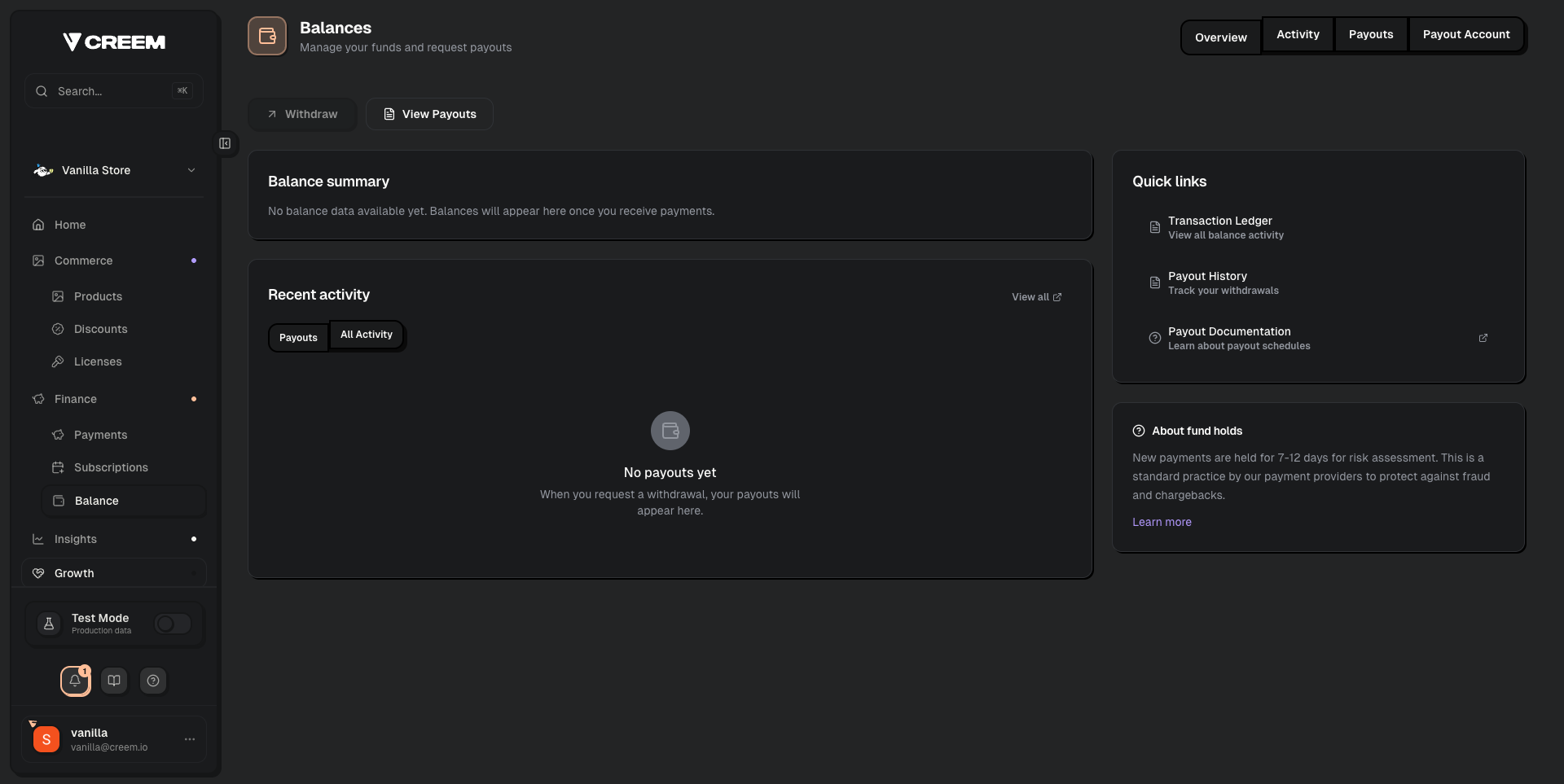
The Balance page shows your balance summary, recent activity, and quick links to payout management.
Available Payout Methods
For full fee details, see Payouts.
Changing Your Payout Account
To change your bank account or payout method:- Go to Balance → Payout Account in your dashboard
- Add your new bank account or wallet details
- Set the new account as your default payout method
Setting a Default Payout Account
If you have multiple payout accounts connected, make sure to set the correct one as your default:- Go to Balance → Payout Account
- Click on the payout method you want to use
- Set it as the default
Multiple Stores
If you have multiple Creem stores, each store has its own payout account settings. You can use the same bank account across stores, but you’ll need to configure it in each store separately.Common Issues
My payout account is stuck on 'Review by Creem Team'
My payout account is stuck on 'Review by Creem Team'
After submitting your payout account, our compliance team reviews it within 1-2 working days. If it’s been longer, contact support with your Store ID.
I want to switch from bank transfer to crypto (or vice versa)
I want to switch from bank transfer to crypto (or vice versa)
Add the new payout method in your dashboard and set it as default. Your next payout will use the new method.
Can I receive payouts in a different currency?
Can I receive payouts in a different currency?
Payouts are processed in the currency of your registered bank account. If it differs from the currency you charge in, a conversion fee from our banking partners will apply automatically.