> ## Documentation Index
> Fetch the complete documentation index at: https://docs.creem.io/llms.txt
> Use this file to discover all available pages before exploring further.
# Payout Accounts
> How to set up, change, and manage your payout accounts on Creem.
## Setting Up a Payout Account
Before you can receive payouts, you need to add a payout account:
1. Go to **Balance** → **Payout Account** in your dashboard
2. Complete your **KYC/KYB verification** (identity and/or business verification)
3. Add your bank account or crypto wallet details
4. Wait for Creem team approval
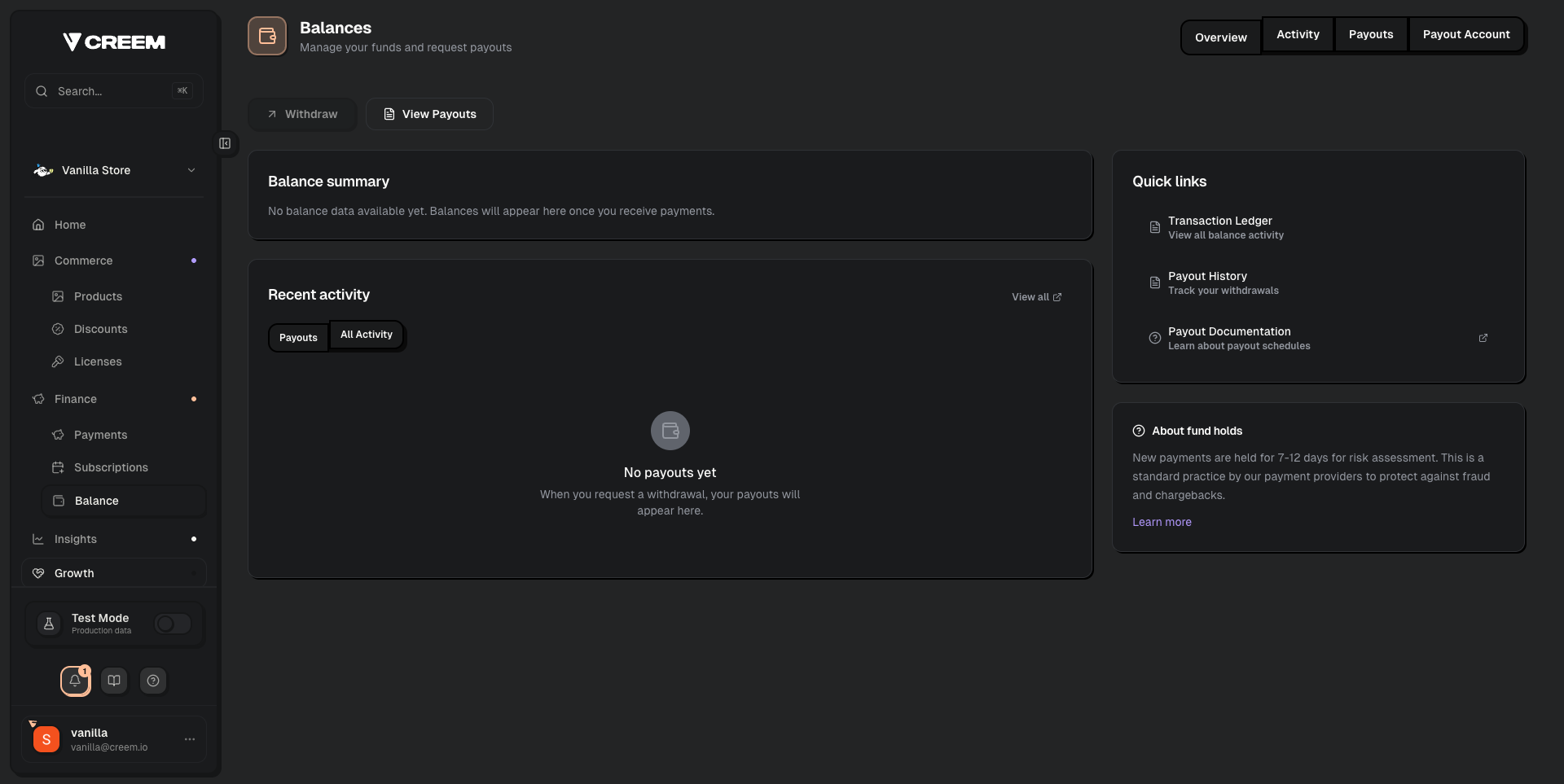 The full onboarding flow is: **Business Details** → **KYC/KYB Verification** → **Payout Account Setup** → **Account Review by Creem Team** → **Live Payments Enabled**.
## Available Payout Methods
| Method | Details |
| --------------------------------- | ----------------------------------------------------------------- |
| **Bank Transfer** | \$7 or 1% of payout (whichever is higher) |
| **Stablecoin (USDC via Polygon)** | 2% of payout volume |
| **Alipay** | Available for China-based merchants (up to 50,000 CNY per payout) |
For full fee details, see [Payouts](/merchant-of-record/finance/payouts).
## Changing Your Payout Account
To change your bank account or payout method:
1. Go to **Balance** → **Payout Account** in your dashboard
2. Add your new bank account or wallet details
3. Set the new account as your **default payout method**
## Setting a Default Payout Account
If you have multiple payout accounts connected, make sure to set the correct one as your **default**:
1. Go to **Balance** → **Payout Account**
2. Click on the payout method you want to use
3. Set it as the default
Payouts will always be sent to the default account.
## Multiple Stores
If you have multiple Creem stores, each store has its own payout account settings. You can use the same bank account across stores, but you'll need to configure it in each store separately.
## Common Issues
After submitting your payout account, our compliance team reviews it within 24-48 hours. If it's been longer, contact support with your Store ID.
Add the new payout method in your dashboard and set it as default. Your next payout will use the new method.
Payouts are processed in the currency of your registered bank account. If it differs from the currency you charge in, a conversion fee from our banking partners will apply automatically.
The full onboarding flow is: **Business Details** → **KYC/KYB Verification** → **Payout Account Setup** → **Account Review by Creem Team** → **Live Payments Enabled**.
## Available Payout Methods
| Method | Details |
| --------------------------------- | ----------------------------------------------------------------- |
| **Bank Transfer** | \$7 or 1% of payout (whichever is higher) |
| **Stablecoin (USDC via Polygon)** | 2% of payout volume |
| **Alipay** | Available for China-based merchants (up to 50,000 CNY per payout) |
For full fee details, see [Payouts](/merchant-of-record/finance/payouts).
## Changing Your Payout Account
To change your bank account or payout method:
1. Go to **Balance** → **Payout Account** in your dashboard
2. Add your new bank account or wallet details
3. Set the new account as your **default payout method**
## Setting a Default Payout Account
If you have multiple payout accounts connected, make sure to set the correct one as your **default**:
1. Go to **Balance** → **Payout Account**
2. Click on the payout method you want to use
3. Set it as the default
Payouts will always be sent to the default account.
## Multiple Stores
If you have multiple Creem stores, each store has its own payout account settings. You can use the same bank account across stores, but you'll need to configure it in each store separately.
## Common Issues
After submitting your payout account, our compliance team reviews it within 24-48 hours. If it's been longer, contact support with your Store ID.
Add the new payout method in your dashboard and set it as default. Your next payout will use the new method.
Payouts are processed in the currency of your registered bank account. If it differs from the currency you charge in, a conversion fee from our banking partners will apply automatically.