> ## Documentation Index
> Fetch the complete documentation index at: https://docs.creem.io/llms.txt
> Use this file to discover all available pages before exploring further.
# Customer Portal
> Customers can cancel and refund subscriptions by themselves.
## What is a Customer Portal?
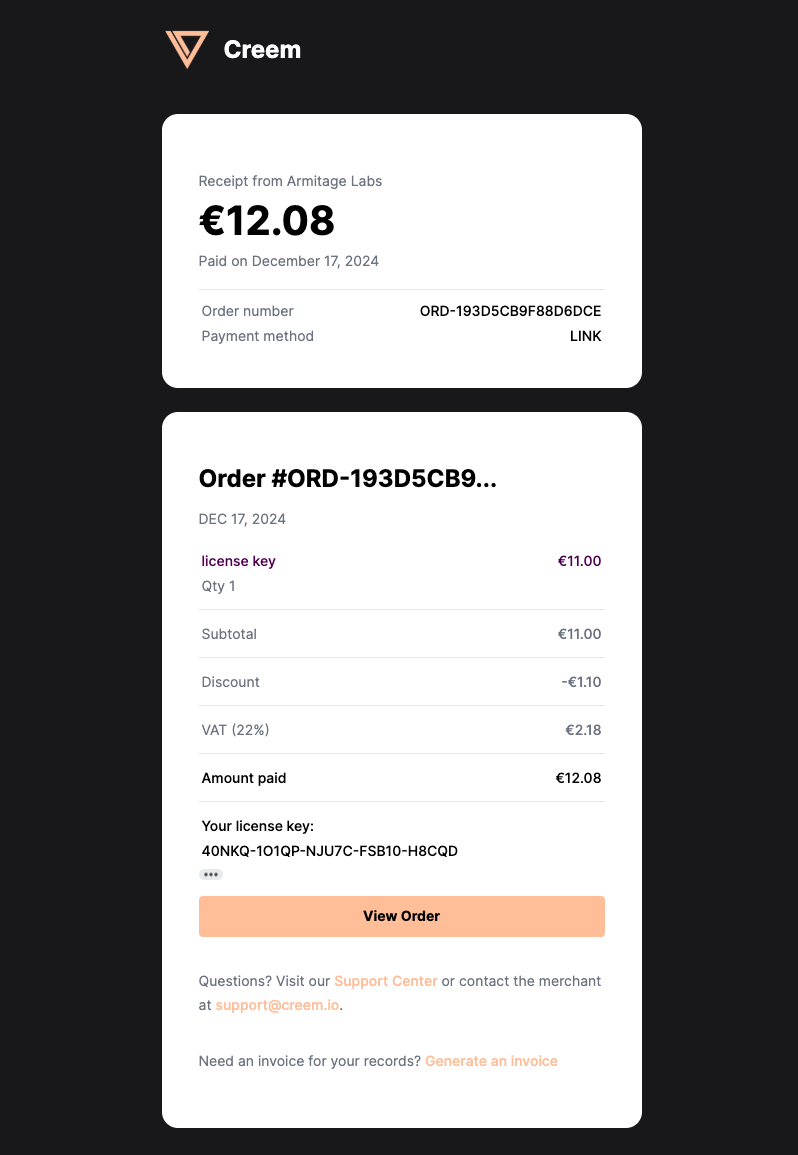
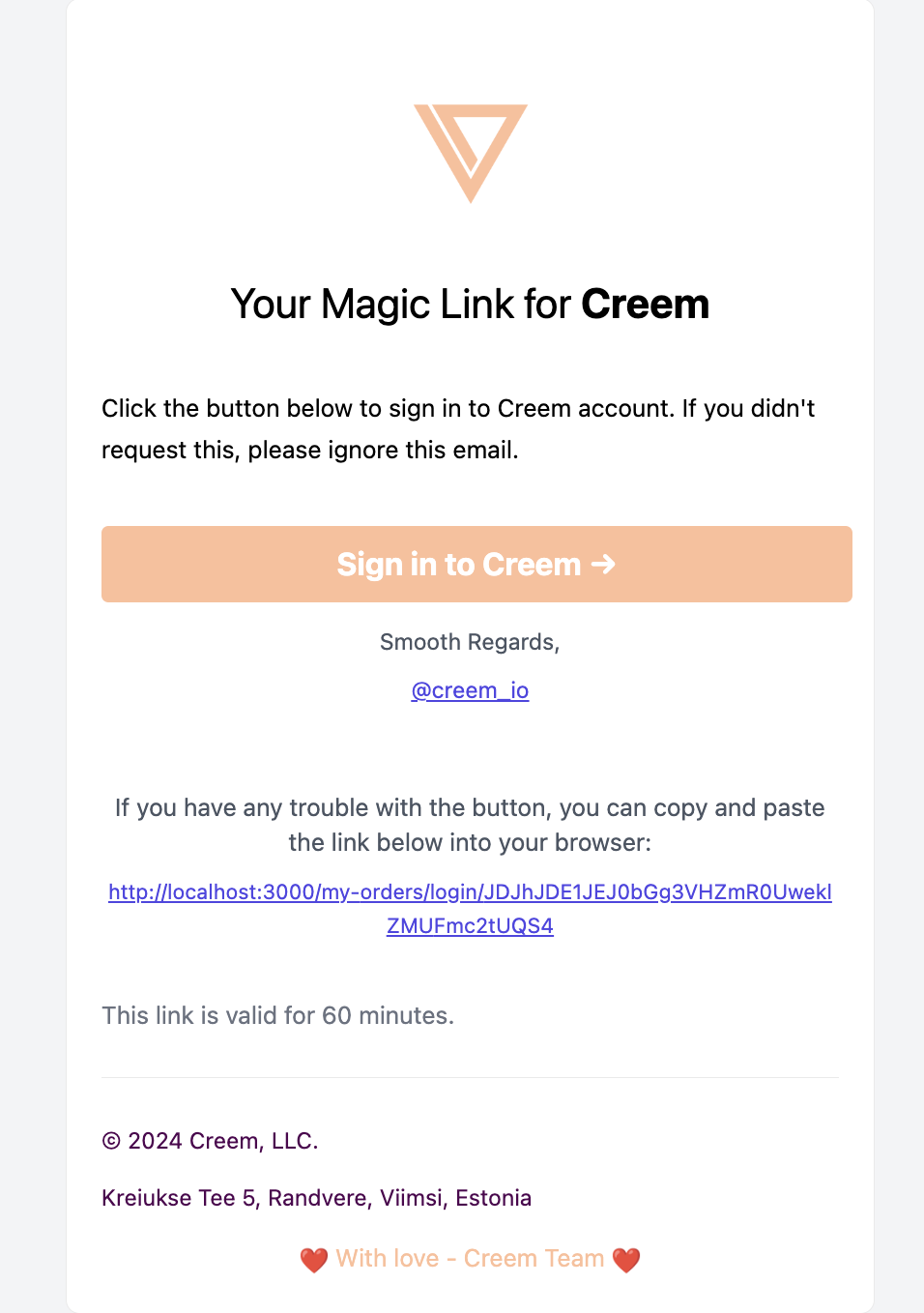
After every successful payment, your customers will receive an email with a link to their Customer Portal. This portal allows them to manage their subscriptions, payment methods, and personal information.
This email contains a magic link, to a completely different authentication mechanism, in which they are able to access their account which allows them to execute the aforementioned actions.
If you're building with Next.js, the @creem\_io/nextjs adapter{" "}
ships a ` ` component and `Portal` route helper so users can open the portal directly from
your dashboard without touching the REST API.
## What can customers do in the Customer Portal?
### 1. Cancel a subscription
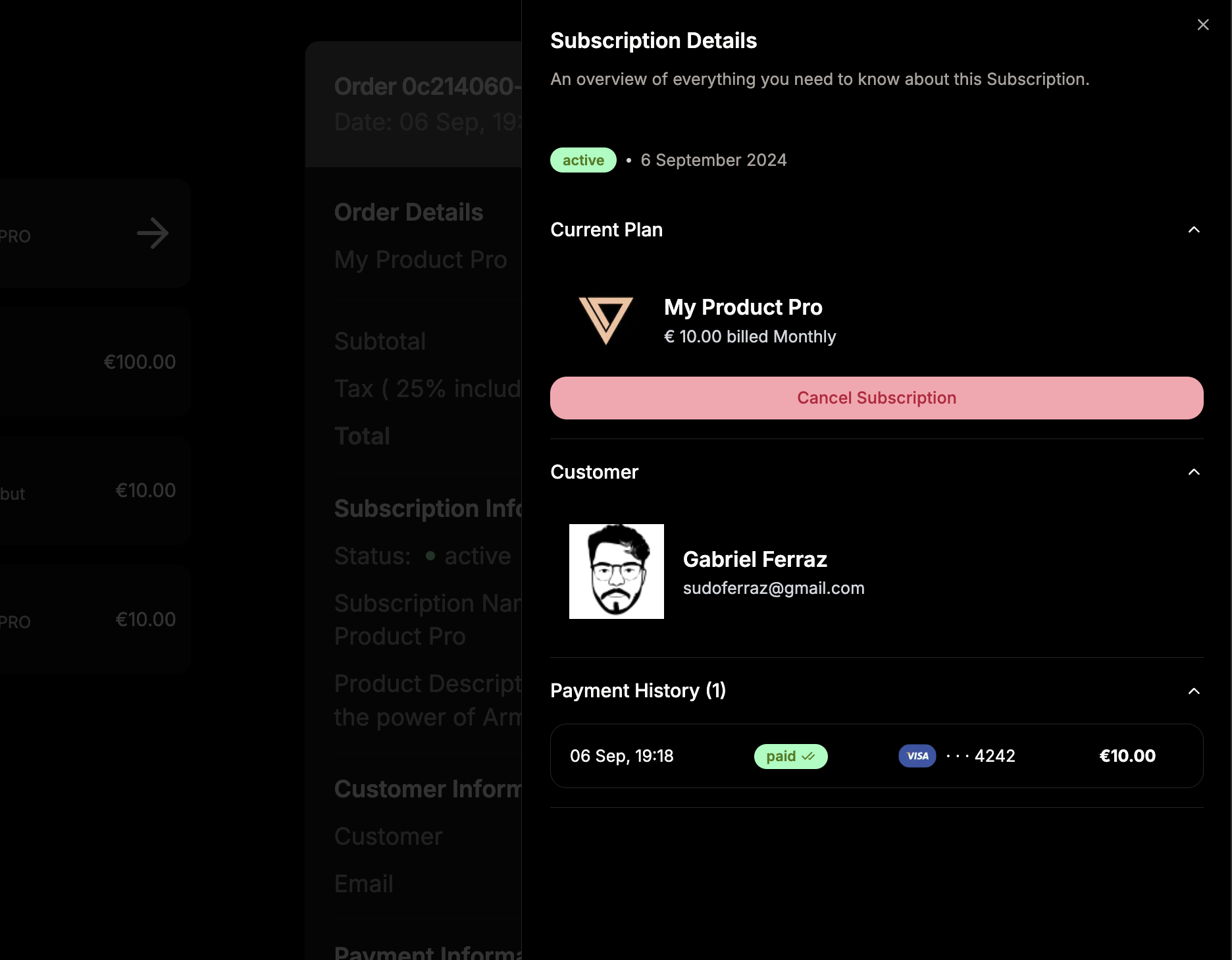
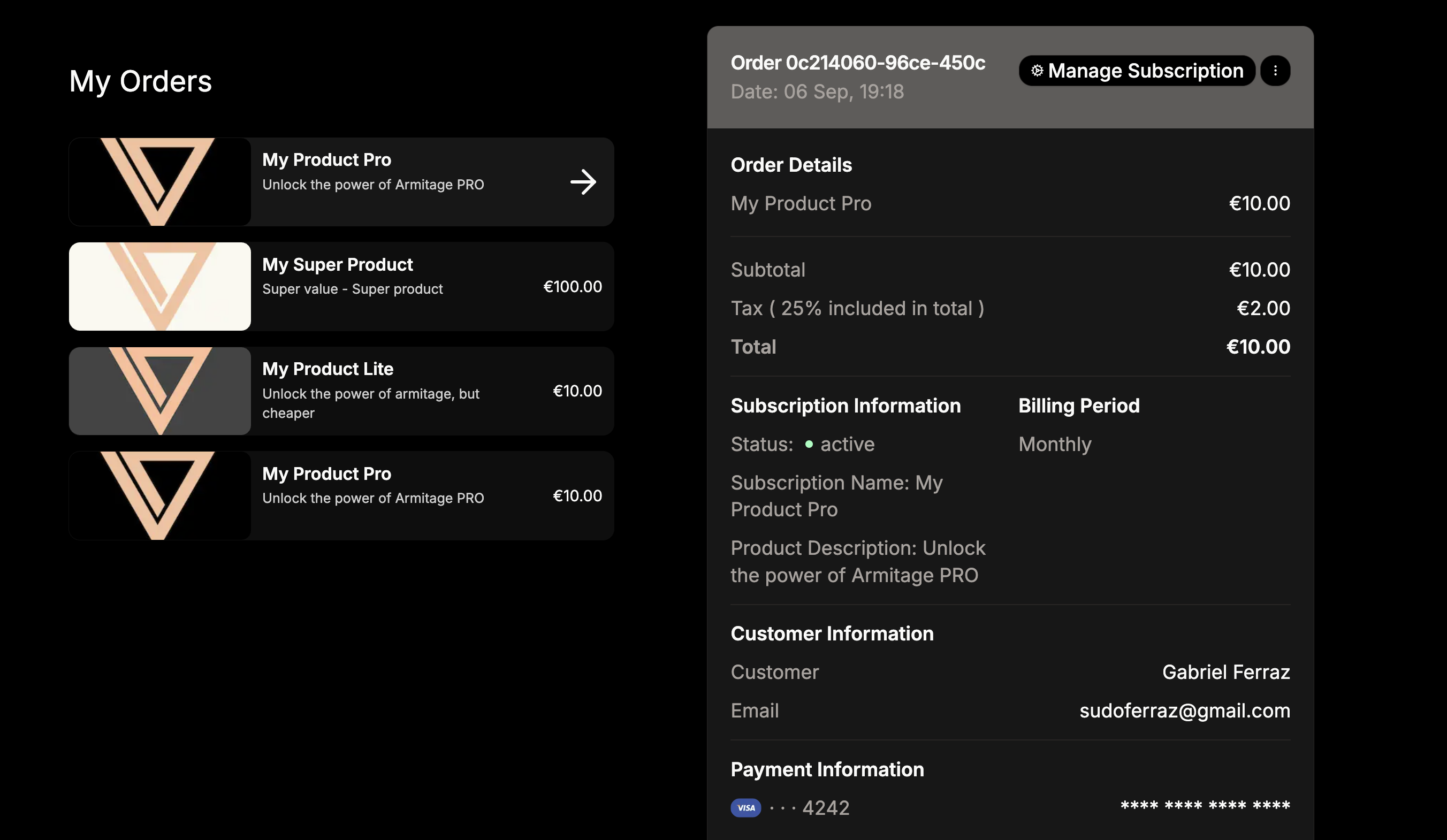
Upon entering the Customer Portal, customers can cancel their subscriptions by selecting an active subscription, and clicking on the **Manage Subscription** button.
This will open a details sheet on the right side of the screen, where a **Cancel Subscription** button is available.
This will immediately cancel their subscription and they will no longer be charged for it.
### 2. Request Invoice or Support
Customers using the customer portal, can copy all details of a specific payment, including order\_ID and request support from Creem team directly without contacting the merchant.
### 3. Generate Customer Portal Access Programmatically
You can generate a customer portal link for your users programmatically, allowing them to manage their subscriptions directly from your application.
**Step 1: Create the Portal Route**
```typescript theme={null}
// app/portal/route.ts
import { Portal } from "@creem_io/nextjs";
export const GET = Portal({
apiKey: process.env.CREEM_API_KEY!,
testMode: process.env.NODE_ENV !== "production",
});
```
**Step 2: Use the Component**
```tsx theme={null}
// components/ManageSubscriptionButton.tsx
"use client";
import { CreemPortal } from "@creem_io/nextjs";
export function ManageSubscriptionButton({ customerId }: { customerId: string }) {
return (
);
}
```
Learn more about the Portal component and route helper.
```typescript theme={null}
import { Creem } from "creem";
const creem = new Creem({
apiKey: process.env.CREEM_API_KEY!,
server: process.env.NODE_ENV === "production" ? "prod" : "test",
});
// Create customer portal link
const portal = await creem.customers.generateBillingLinks({
customerId: "cust_abc123",
});
// Redirect user to portal
console.log(portal.customerPortalLink);
// Output: https://creem.io/my-orders/login/xxxxxxxxxx
```
You can also retrieve the customer ID by email:
```typescript theme={null}
// Get customer by email first
const customer = await creem.customers.retrieve(undefined, "customer@example.com");
// Then create portal link
const portal = await creem.customers.generateBillingLinks({
customerId: customer.id,
});
// Redirect to portal
window.location.href = portal.customerPortalLink;
```
View the complete customer management API reference.
**Client-Side Usage:**
```typescript theme={null}
"use client";
import { authClient } from "@/lib/auth-client";
export function ManageSubscriptionButton() {
const handlePortal = async () => {
const { data, error } = await authClient.creem.createPortal();
if (data?.url) {
window.location.href = data.url;
}
if (error) {
console.error("Failed to create portal:", error);
}
};
return (
);
}
```
With Better Auth, the customer is automatically identified from the authenticated session—no need
to pass a customer ID.
Learn about automatic customer identification and session handling.
If you're in test mode, use `https://test-api.creem.io` instead of `https://api.creem.io`. Learn
more about [Test Mode](/getting-started/test-mode).
```bash theme={null}
curl -X POST https://api.creem.io/v1/customers/billing \
-H "x-api-key: YOUR_API_KEY" \
-H "Content-Type: application/json" \
-d '{
"customer_id": "cust_abc123"
}'
```
### Response
```json theme={null}
{
"customer_portal_link": "https://creem.io/my-orders/login/xxxxxxxxxx"
}
```
### JavaScript Example
```javascript theme={null}
const response = await fetch("https://api.creem.io/v1/customers/billing", {
method: "POST",
headers: {
"x-api-key": "YOUR_API_KEY",
"Content-Type": "application/json",
},
body: JSON.stringify({
customer_id: "cust_abc123",
}),
});
const data = await response.json();
console.log(data.customer_portal_link);
```
View the complete endpoint documentation.
 ### 2. Request Invoice or Support
Customers using the customer portal, can copy all details of a specific payment, including order\_ID and request support from Creem team directly without contacting the merchant.
### 2. Request Invoice or Support
Customers using the customer portal, can copy all details of a specific payment, including order\_ID and request support from Creem team directly without contacting the merchant.
 ### 3. Generate Customer Portal Access Programmatically
You can generate a customer portal link for your users programmatically, allowing them to manage their subscriptions directly from your application.
### 3. Generate Customer Portal Access Programmatically
You can generate a customer portal link for your users programmatically, allowing them to manage their subscriptions directly from your application.